

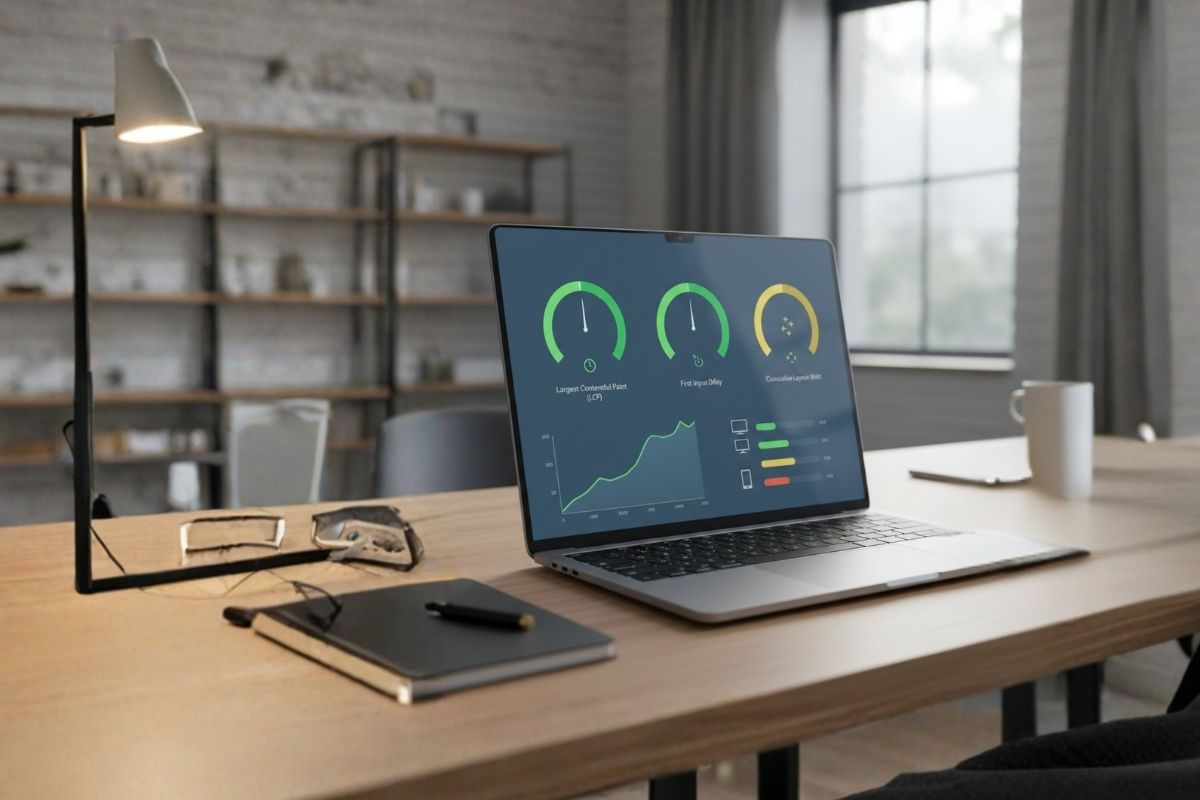
Are you struggling with slow-loading pages and high bounce rates? Google metrics state that a page’s content must load in less than 2.5 seconds to avoid a poor LCP score. That’s where Core Web Vitals come in. These metrics focus on how users actually experience your site. They combine the real-world UX of interactivity and visual stability. Now, let’s look at their significance beyond these definitions.
Although Core Web Vitals are now considered a ranking criterion by Google, their influence extends well beyond SEO. They have a substantial effect on page load speed and, eventually, sales and conversion rates. With this background, let’s dive into practical, tech-savvy tips to boost your Core Web Vitals and optimize website for a better UX. Core Web Vitals directly influence search rankings, making them an essential part of effective search engine optimization especially for businesses focused on long-term organic growth.
Core Web Vitals measure user experience based on the following metrics defined by Google:
⇨ First Input Delay (FID): The degree to which the website reacts to user activities;
⇨ Largest Contentful Paint (LCP): The time it takes for the primary content to appear. A good FID is 100 milliseconds or fewer.
⇨ Cumulative Layout Shift (CLS): The degree to which the layout changes while loading
LCP measures how fast visitors see meaningful content. Here’s how to improve it:
⇨ Optimum Website Images: By changing Photos to WebP or AVIF formats, it is possible to compress them without any quality loss. Gradually load off-screen visuals to give priority to the information that is above the fold.
⇨ Increase the Server Response Times: Shift to more rapid hosting providers and reduce server-side processing.
⇨ CSS and JavaScript Minification: Reduce file sizes by removing superfluous comments and code.
FID measures how quickly your website responds to user input. To improve responsiveness:
⇨ Minimize JavaScript Load: Defer non-essential scripts. Then use code splitting to load only what is needed initially
⇨ Implement Browser Caching: Store frequently used resources locally so returning visitors experience quicker load times
⇨ Use a Fast JavaScript Framework: Choose lightweight frameworks or optimize your current code to avoid blocking the main thread.
Layout shifts can be frustrating imagine clicking a button only for it to move unexpectedly. To prevent CLS:
⇨ Specify Size Attributes: Always include width and height for images to save space
⇨ Avoid Dynamic Content Injection: Take care of ads or pop-ups that might appear after the main content
⇨ Don’t overuse CSS transitions: If you want to animate your elements, use transform and/or opacity properties instead of layout properties to avoid content shifting
Evaluate your Core Web Vitals optimization level. Then, benchmark your results against competitors and track changes to leverage these insights fully. Regular evaluation will help you determine whether fixes are successfully impacting your conversion rates.
Looking for a web development agency to optimize Core Web Vitals? Webmyne is here to help. From PSD to HTML, we offer end-to-end website design solutions for a top-notch UX.
Contact us for a free consultation on how we can help you improve your site speed now!

One-stop solution for web-app development, digital marketing & designing needs
Navigate Your Niche Successfully.

TRAVEL
& HOTELS

INTERNET OF
THINGS

FINANCE
BANKING & INSURANCE

ENERGY
SECTOR

REAL ESTATE

EDUCATION

HEALTHCARE

GOVERNMENT

AUTO

SPORTS

RETAIL

LOGISTICS